

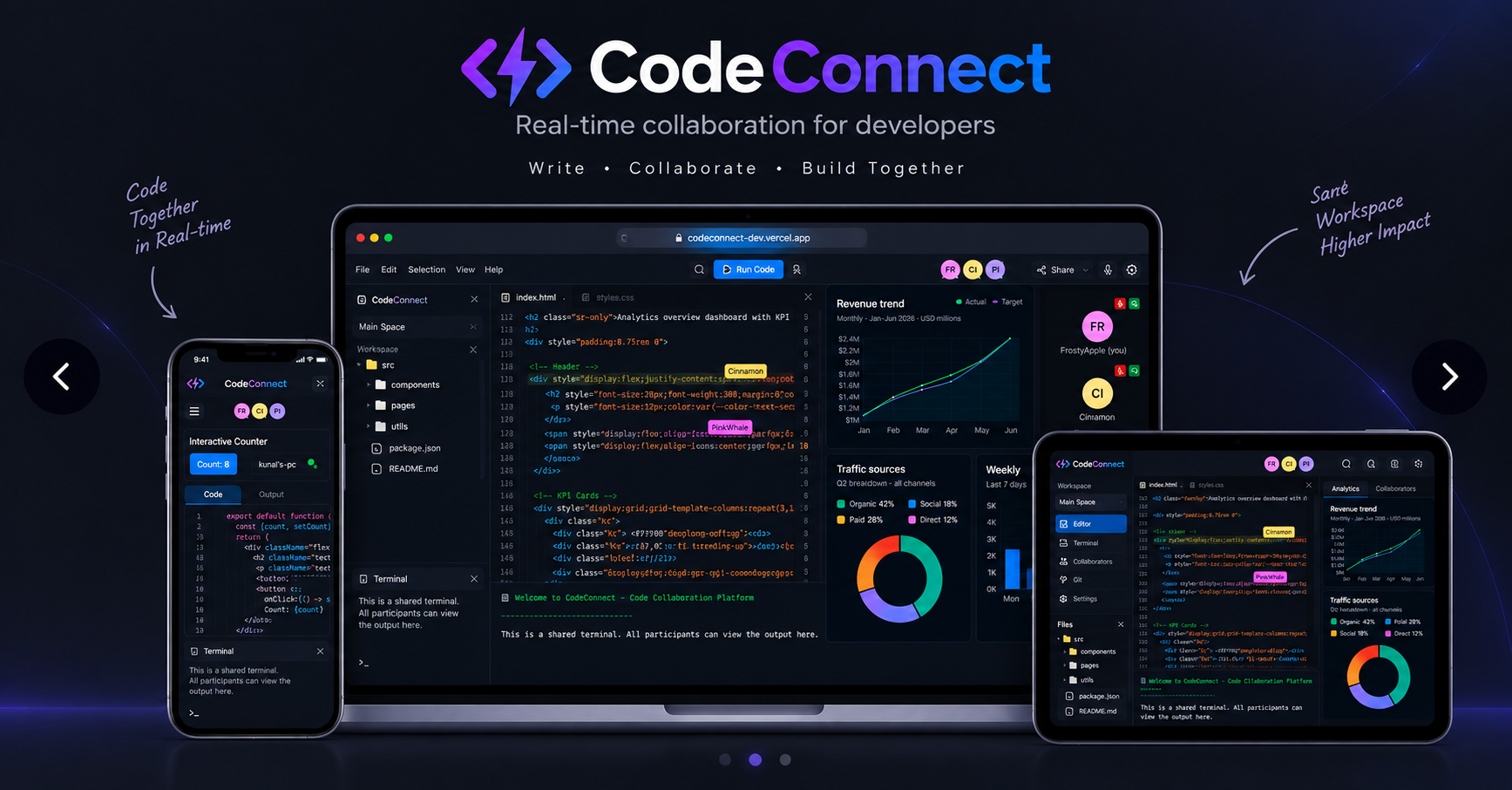
Code Connect is a browser-based collaborative development platform that enables real-time coding, live previews, shared terminals, video communication, and collaborative note-taking.
🌐 Try now at codeconnect-dev.vercel.app
Features
- Real-time Collaboration - Code together in real-time with cursor sharing, highlighting, and follow mode
- Shared Terminal - Execute code and see results together with over 80 supported languages when a local Piston instance is configured
- Live Preview - Preview UI changes instantly with loaded libraries like Tailwind CSS and more
- GitHub Integrated - Save your work and open files from your repositories
- Shared Notepad - Take notes together in real-time with rich text and markdown support
- Video & Voice - Communicate with your team using video and voice chat
Project Structure
The project is organized into separate frontend and backend applications:
CodeConnect
├── client/                  # Frontend Next.js application
│   ├── public/              # Static assets
│   └── src/                 # Source code
│       ├── app/             # Next.js app router pages and API routes
│       ├── components/      # React components
│       ├── hooks/            # Custom React hooks
│       └── lib/              # Utility functions and services
└── server/                  # Backend Socket.IO server
    └── src/                 # Source code
        ├── service/         # Backend services
        └── utils/           # Utility functions
Prerequisites
Before you begin, ensure you have the following installed:
Getting Started
After checking the prerequisites above, follow these steps to set up the project.
Clone the repository
git clone https://github.com/kunaldasx/code-connect.git
cd code-connect
Set up the frontend
cd client
npm install
cp .env.example .env
Configure the required environment variables in
.env, then start the frontend:npm run devSet up the backend
Open a second terminal:
cd server
npm install
cp .env.example .env
npm run dev
Development
Once both applications are running, the development environment will be available at:
- Frontend: http://localhost:3000
- Backend: http://localhost:3001
Optional: Enable Local Code Execution
Code execution is disabled in the hosted demo. To enable the shared terminal and code runner locally, run a self-hosted Piston instance.
git clone https://github.com/engineer-man/piston.git
cd piston

# Start the API
docker compose up -d api

# Install CLI dependencies
cd cli
npm install

# Install runtimes
node index.js ppman install python
node index.js ppman install node
node index.js ppman install typescript
node index.js ppman install java
Configure the client environment:
PISTON_API_URL=http://localhost:2000/api/v2/executeOnce configured, Code Connect can execute code through the local Piston instance.
Technologies
Frontend:
Backend:
Build & DevOps:
External Services:
Contributing
Contributions are welcome. To contribute to Code Connect:
Clone the repository and create a new branch:
git checkout -b name_for_new_branchMake your changes and test them locally.
Submit a Pull Request with a comprehensive description of your changes.
License
MIT
🌐 Visit my website →
🖥️ GitHub ·
💼 LinkedIn ·
🐦 Twitter / X